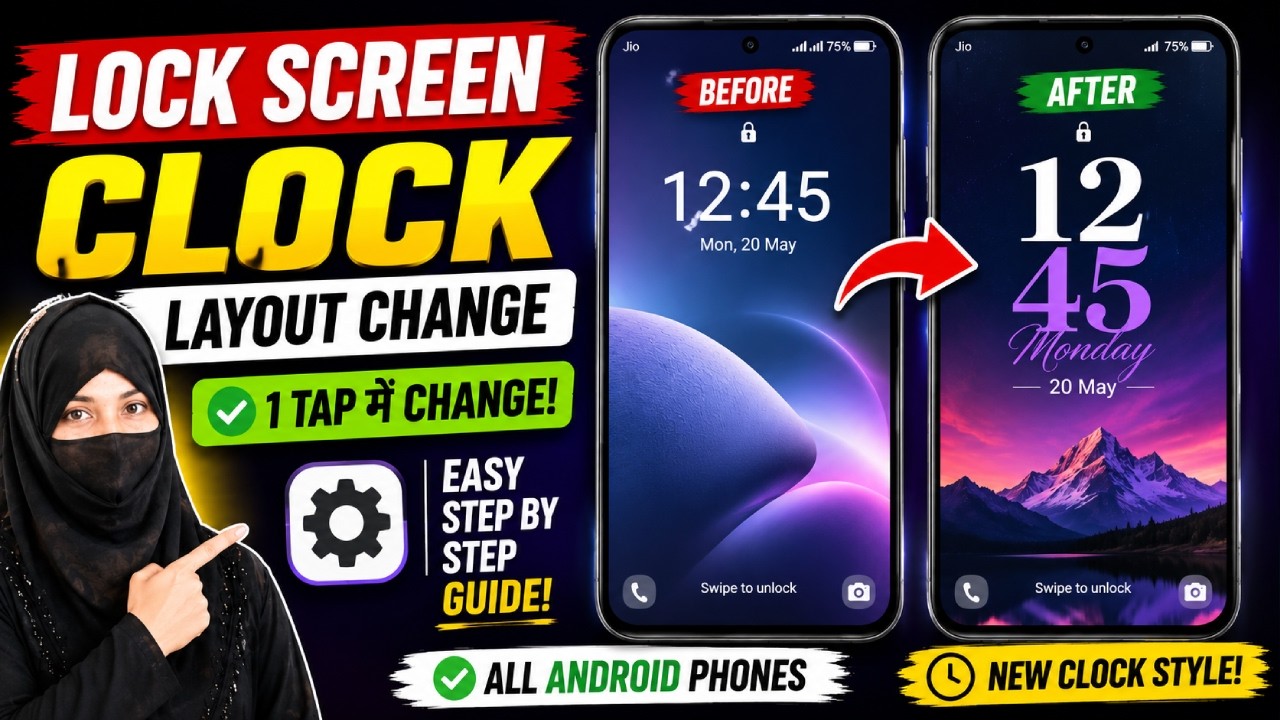
How to Change Lock Screen Clock Layout on Android | Customize Lock Screen Clock
About This Video
How to Change Lock Screen Clock Layout on Android
Want to change your Android lock screen clock layout or clock style? In this video, I'll show you how to customize the lock screen clock step by step. Whether you want a new clock design, different clock layout, or a stylish lock screen, this tutorial will help you.
This guide works on Samsung Galaxy, Redmi, Xiaomi, Poco, Realme, Vivo, Oppo, OnePlus, Motorola, Nothing Phone, and many other Android devices.
📌 In This Video
✅ Change Lock Screen Clock Layout
✅ Customize Lock Screen Clock Style
✅ Android Lock Screen Settings
✅ New Clock Design on Android
✅ Easy Step-by-Step Guide
👍 If this video helped you, don't forget to Like, Share, Comment, and Subscribe for more Android tips and tutorials.
#Android #LockScreen #ClockLayout #ClockStyle #AndroidTips #Samsung #OneUI #Customization #TechTips #KnowledgeWithZayed
📢 Follow Me:
🌐 Blog: https://knowledgewithzayed.blogspot.com/
📘 Facebook: https://www.facebook.com/profile.php?id=61563989287293
📸 Instagram: https://www.instagram.com/knowledgewithzayed/
Published: 2026-08-02T08:19:37Z
Comments
Post a Comment