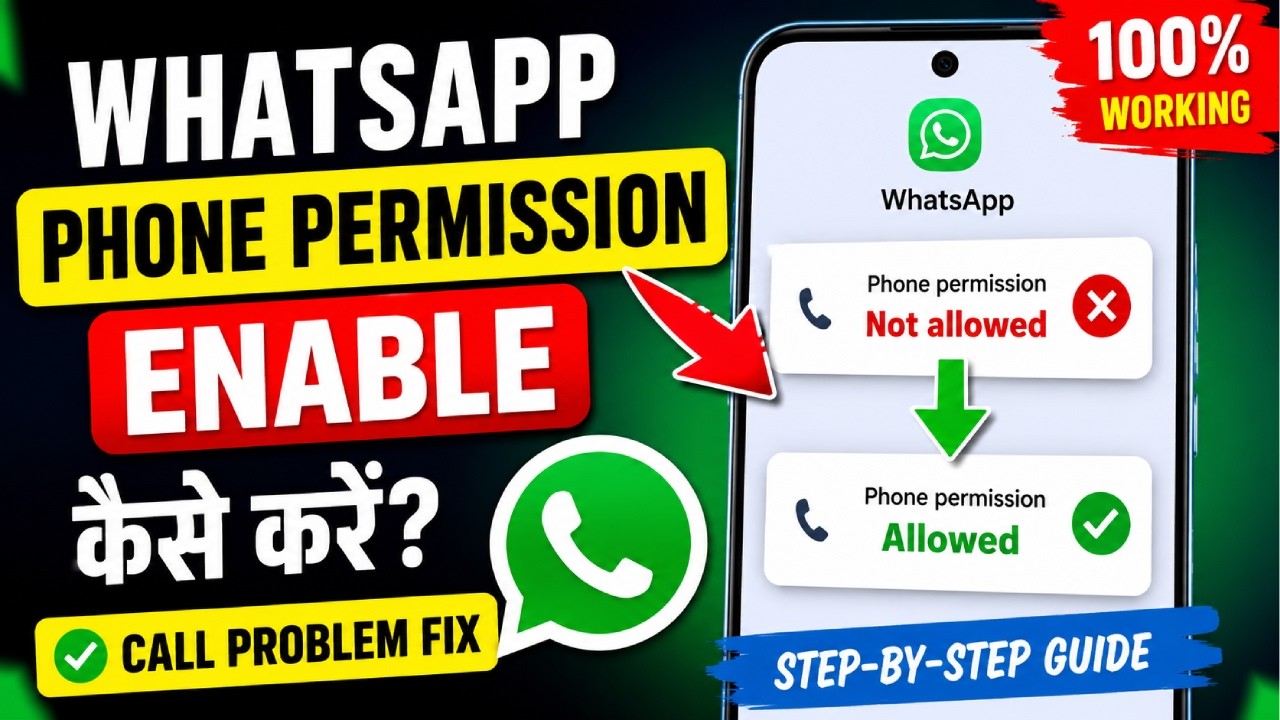
How to Enable Text to Speech in WhatsApp | WhatsApp Read Messages Aloud (Android)
About This Video
How to Enable Text to Speech in WhatsApp | Complete Android Tutorial
Want WhatsApp to read your messages aloud? In this video, I'll show you how to enable Text to Speech in WhatsApp step by step. If Text to Speech is not working or you don't know where to enable it, this guide will help you.
This tutorial works on Samsung, Xiaomi, Redmi, Realme, Vivo, Oppo, OnePlus, Motorola, Poco, and other Android phones.
📌 In This Video
✅ Enable Text to Speech in WhatsApp
✅ Read WhatsApp Messages Aloud
✅ Android Accessibility Settings
✅ Fix Text to Speech Not Working
✅ WhatsApp Voice Reading Feature
If this video helps you, please Like 👍 Share 📤 Comment 💬 and Subscribe 🔔 for more WhatsApp and Android tips.
#WhatsApp #TextToSpeech #AndroidTips #WhatsAppTips #Accessibility #KnowledgeWithZayed
📢 Follow Me:
🌐 Blog: https://knowledgewithzayed.blogspot.com/
📘 Facebook: https://www.facebook.com/profile.php?id=61563989287293
📸 Instagram: https://www.instagram.com/knowledgewithzayed/
Published: 2026-08-02T07:49:54Z
Comments
Post a Comment