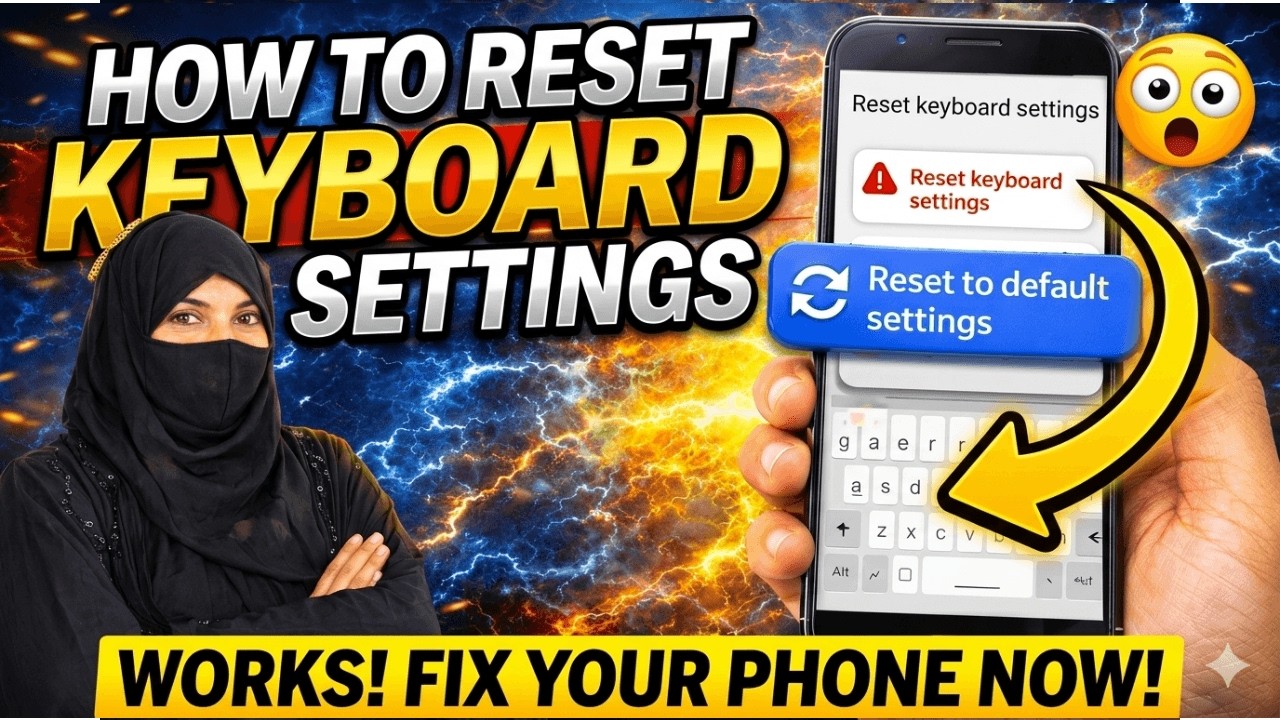
How to Reset Keyboard Settings on Android Phone | Fix Keyboard Not Working 🔥
About This Video
Is your phone keyboard not working properly? In this video, I'll show you how to reset keyboard settings on any Android phone easily.
You can reset keyboard settings, fix typing problems, restore default keyboard settings, and solve keyboard issues in just a few steps.
This method works on Samsung, Redmi, Realme, Vivo, Oppo, OnePlus, Xiaomi and all Android phones.
🔥 In this video:
• Reset keyboard settings Android
• Fix keyboard not working problem
• Restore default keyboard settings
• Clear keyboard data Android
• Easy step-by-step tutorial
📱 This video helps with:
• Keyboard not showing
• Keyboard not typing
• Keyboard lag problem
• Auto correct problem
• Keyboard language issue
Watch till the end and don't forget to Like 👍 Share 📱 and Subscribe 🔔 for more mobile tips.
📢 Follow Me:
🌐 Blog: https://knowledgewithzayed.blogspot.com/
📘 Facebook: https://www.facebook.com/profile.php?id=61563989287293
📸 Instagram: https://www.instagram.com/knowledgewithzayed/
Published: 2026-04-10T02:30:22Z
Comments
Post a Comment